

The Art of the Speedrun: Advanced Movement Tech & Frame Tricks in Web Platformers
Browser platformers might look simple at first glance, but beneath their accessible controls lie intricate physics engines and nuanced movement tech. Speedrunners shave fractions of a second off stage records using frame-perfect jump buffering, slide cancelling, and momentum redirection. Here is how to take your runs to competitive levels.
1. Momentum Conservation & Downhill Acceleration
In physics-driven runners like Moto X3M and Drive Mad, touching down with your tires parallel to downward slopes converts vertical falling speed directly into horizontal forward velocity. Landing flat or slightly tilted forward prevents speed bleed and preserves maximum engine RPM.
2. Corner Cutting & Apex Navigation in 3D Runners
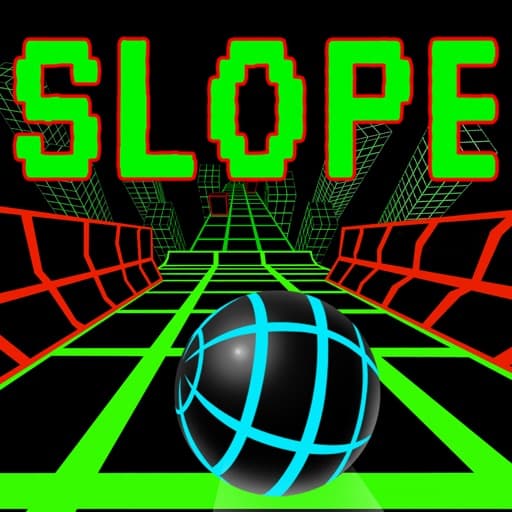
In high-speed 3D tunnel and ramp runners like Slope, traversing straight down the center is safe, but riding the inner apex of sweeping curves minimizes travel distance. Shaving millimeter clearances past red hazard blocks creates faster section completions.
3. Input Buffer Timing and Ghost Inputs
Modern browser engines process keyboard events through event listeners that fire between requestAnimationFrame ticks. To prevent dropped inputs during rapid button sequences, tap with decisive, short strokes rather than holding keys through transitional animations.


